Overview
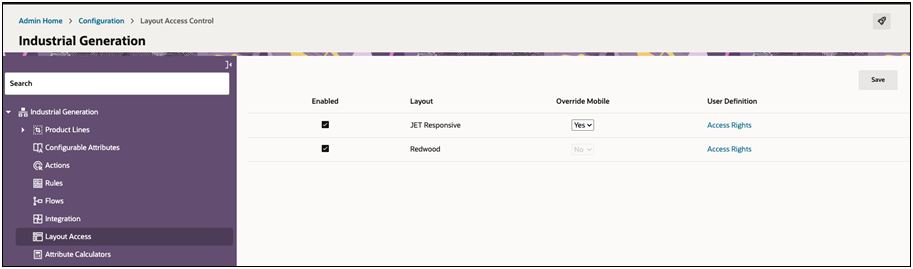
This topic covers managing configuration layouts updating Redwood pages. Refer to Layout Editor for Classic (JET & Legacy) for updating JET and Legacy pages.
Oracle CPQ 26C introduced Configuration for Sales Users in Redwood, delivering a modern, flexible, and highly configurable user experience for sales users. Administrators can design and tailor sales pages using Redwood design principles, enabling streamlined layouts, enhanced usability, and greater control over how information is presented.
This feature provides the following benefits:
-
Administrator can configure a header section with one title, up to four secondary attributes, and an action bar.
-
Create new views, reorder them, and set the orientation (horizontal or vertical).
-
Add sections with collapsible, horizontal, vertical, and custom grid orientations, along with support for displaying section content in drawers.
-
For a section, configure labels, background, and a one to four column layout.
-
Configure fields to span the full row or hide the label.
Oracle CPQ 26D provides an enhanced Redwood Configuration Experience for administrators and sales users. Administrators can configure Redwood layouts for array sets, action groups, custom action drawers, dynamic layouts, collapsible sections, and array set data grids. The following features highlights are available starting in Oracle CPQ 26D:
-
Configure custom drawers for array sets, including mapped fields, sections, styles and fonts.
-
Open row-specific array set drawers at runtime so users can review and update array set values in context.
-
Add field-level action groups and place actions inline, bottom left, or bottom right.
-
Launch configured drawers after supported custom actions complete.
-
Configure nested system configuration models from a right-side panel, with status indicators such as in progress, warning, and error.
-
View and modify dynamic layouts across levels, manage rule properties, and validate changes in Live mode.
-
Configure collapsible sections to start expanded or collapsed.
-
Reorder array set data-grid columns.
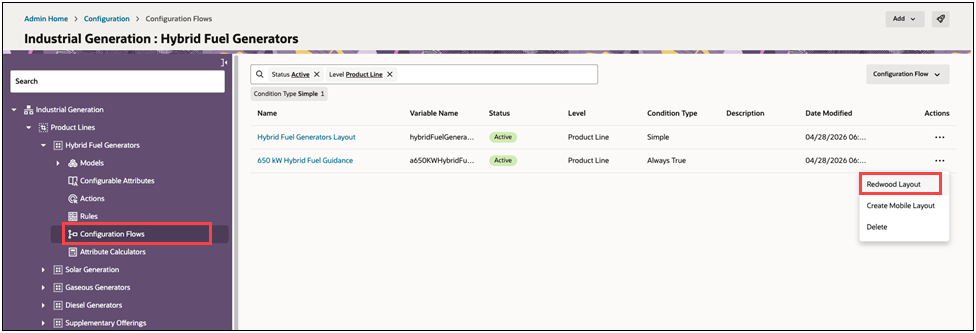
Once you have created your configuration flow, you can open the Configuration Layout Editor for Redwood and begin to layout the user-side configuration pages.
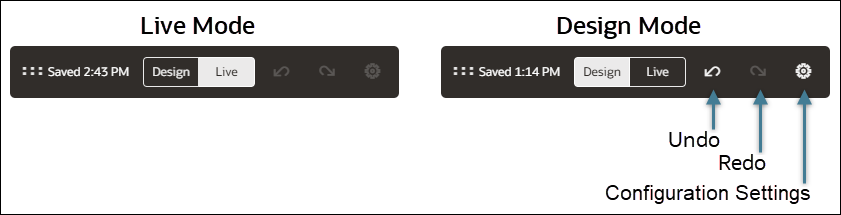
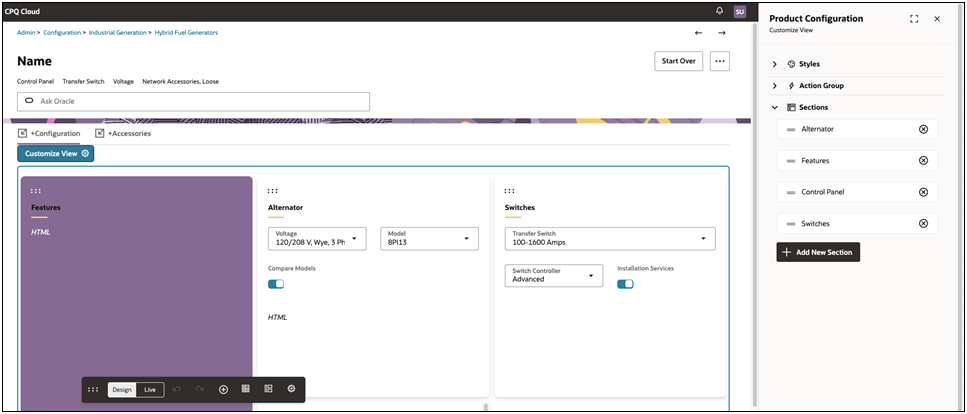
The Editor Layout for Redwood is integrated into the quote configurator. Administrators can easily switch between Live and Design modes to view real-time changes. Seamless editing improves efficiency and accuracy in layout design with robust undo and redo functionality. The Layout Editor's advanced customization features allow administrators to tailor the appearance and layout views to match specific customer requirements. CPQ also provides several multiple pre-defined views allowing quick implementation of the Redwood Configurator.


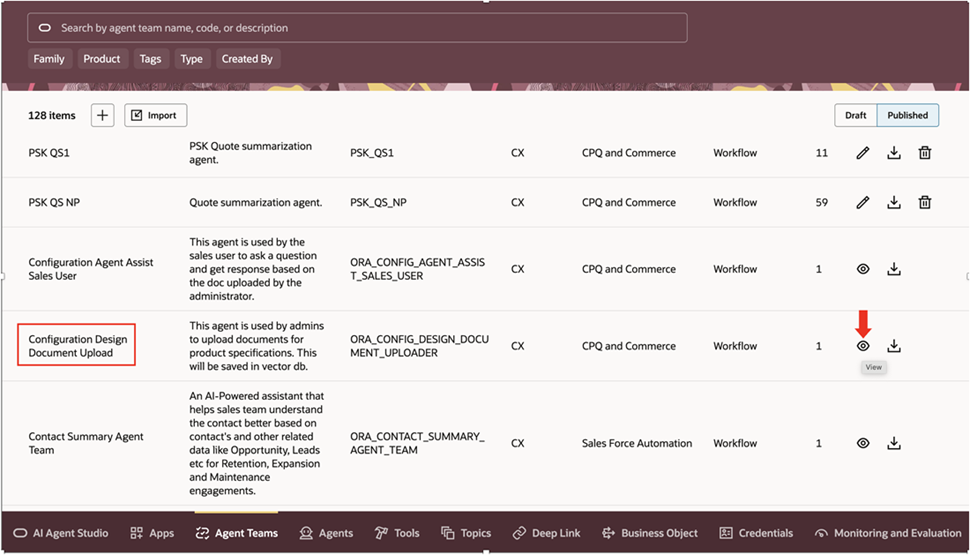
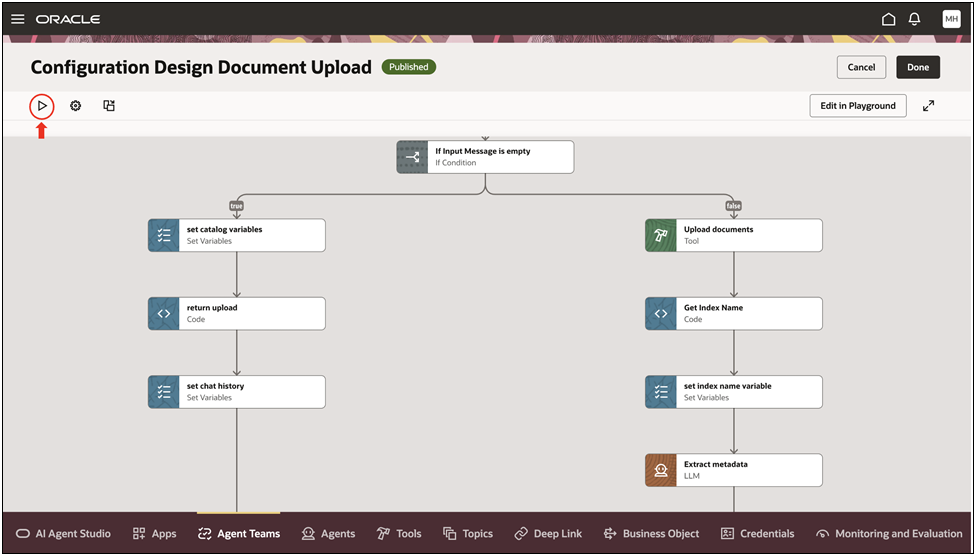
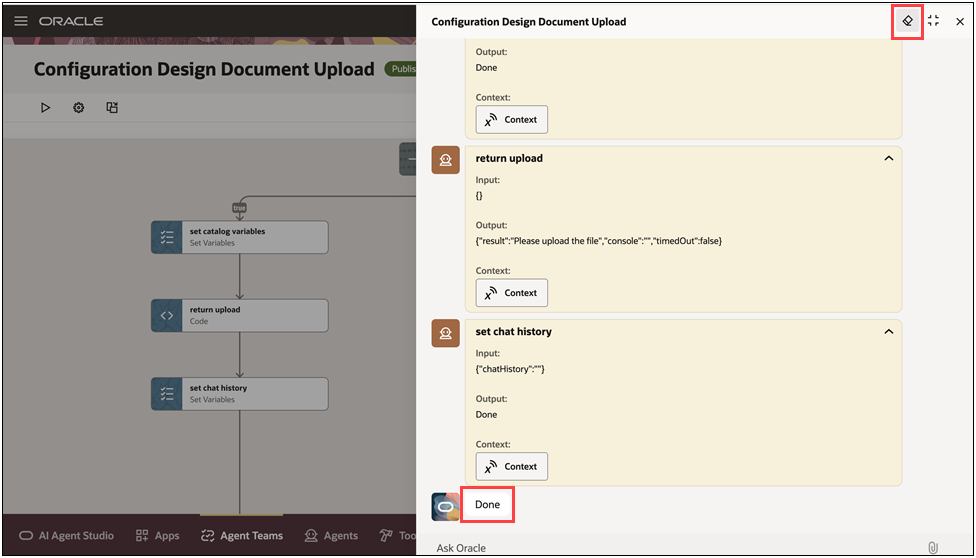
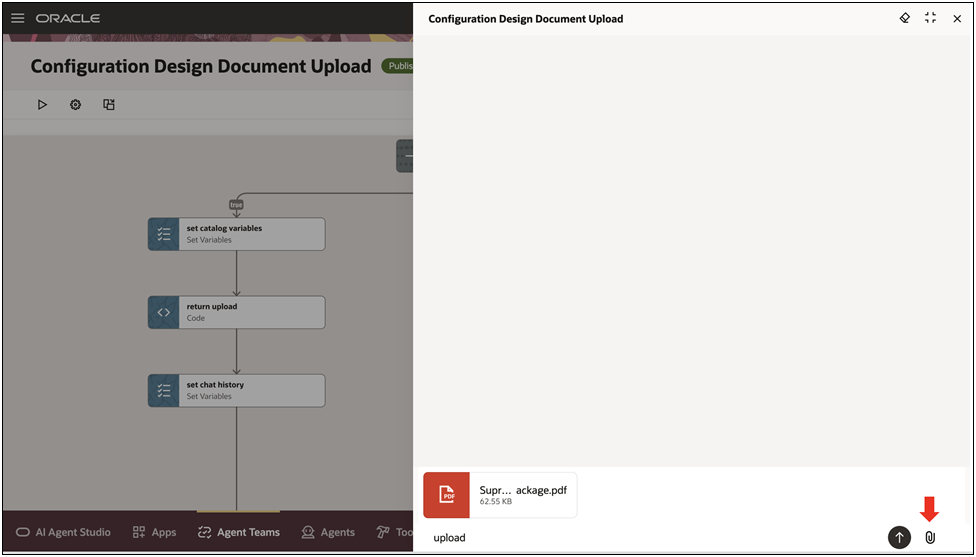
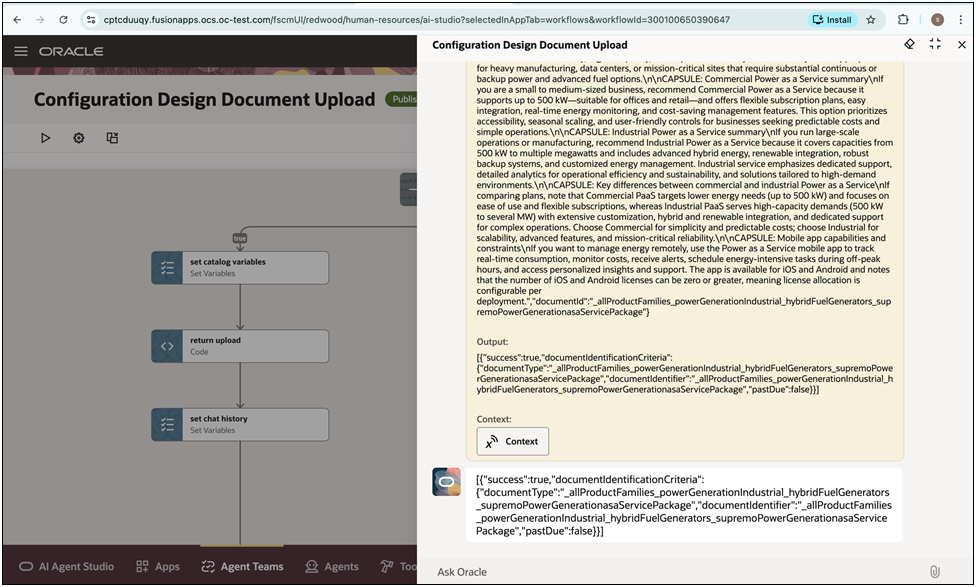
 Guided Configuration AI-Assist Agent for CPQ Running in Fusion
Configuration Layout Editor for Redwood
Administration
Enable the Configuration Layout Editor for Redwood